You scored 55% on a Pharmacology quiz three weeks ago. Today you scored 78%. Nobody noticed. There's no fanfare, no congratulatory email, no professor telling you "well done." You just closed the app and went to clinic.
Achievements notice. And bookmarks make sure you know exactly which questions are still catching you out — so 78% doesn't stay 78%.
Achievements
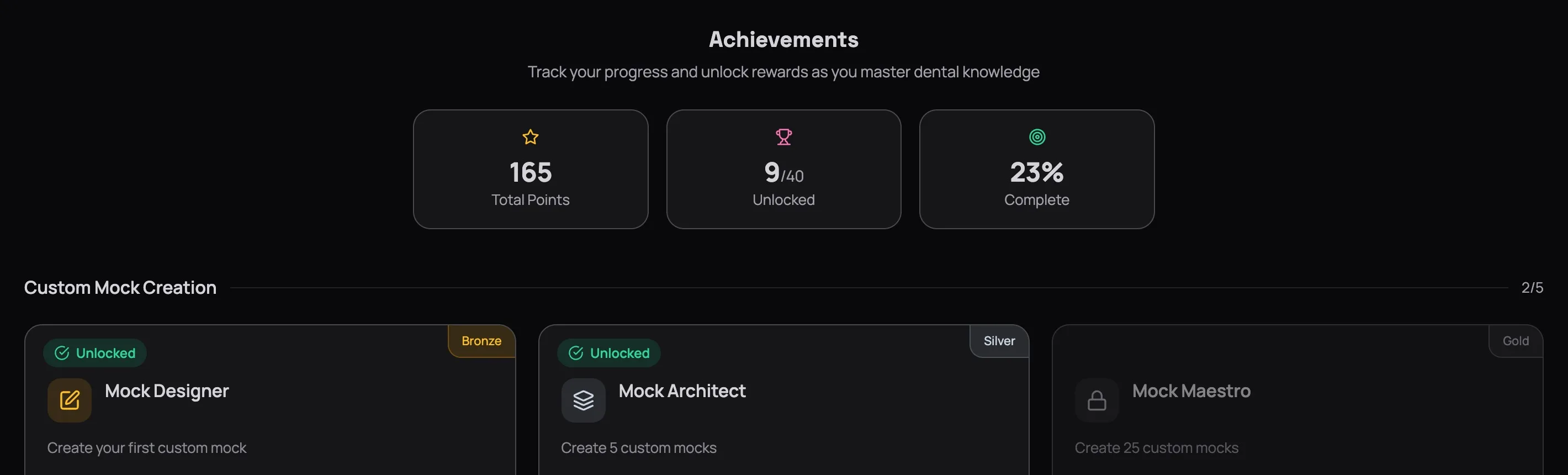
The Achievements page tracks everything you've done across QuizOdontist — milestones hit, streaks maintained, performance thresholds crossed — and turns it into something you can actually see.
What the Badges Track
Milestone badges reward volume — take 10 quizzes, answer 500 questions, complete every module in a subject. If you've been putting in hours, these prove it.
Streak badges reward consistency — 7-day, 30-day, 100-day. Each one proves something no quiz score can: that you showed up. Day after day after day.
Performance badges reward quality — score 90%+ on a quiz, ace a full mock, maintain 80%+ accuracy across an entire subject. These are the ones that separate studying from learning.
Learning Centre badges reward depth — complete modules, finish all lessons in a subject, master flashcards. Not just opening content, but actually working through it: reading, recalling, testing.
Earned vs. Locked
Earned badges show in full colour with the date you unlocked them. Locked badges appear greyed out with a progress bar — and that progress bar is the important part.
Check your achievements weekly. Any badge at 80%+ progress is within reach — a few targeted sessions could push you over. That momentum carries forward into the next one.
Why They Work
Board exam prep is a long game, and long games are miserable without markers along the way. You can't see yourself getting smarter. You can't feel the difference between knowing 60% of Pharmacology and knowing 70%. But you can see a badge unlock. You can watch a streak counter tick from 29 to 30. Those markers aren't the goal — passing is the goal — but they're proof that you're moving in the right direction on the days when it doesn't feel like it.
Achievements tell you how far you've come. But they can't tell you what to study tomorrow. That's what bookmarks are for.
Bookmarks
Every quiz you take generates information. Some questions you nailed. Some you got wrong and know why. And some — the dangerous ones — you got right but couldn't explain to a classmate if they asked. Those last two categories are where board exams live, and bookmarks are how you catch them before they slip away.
Starred Flashcards
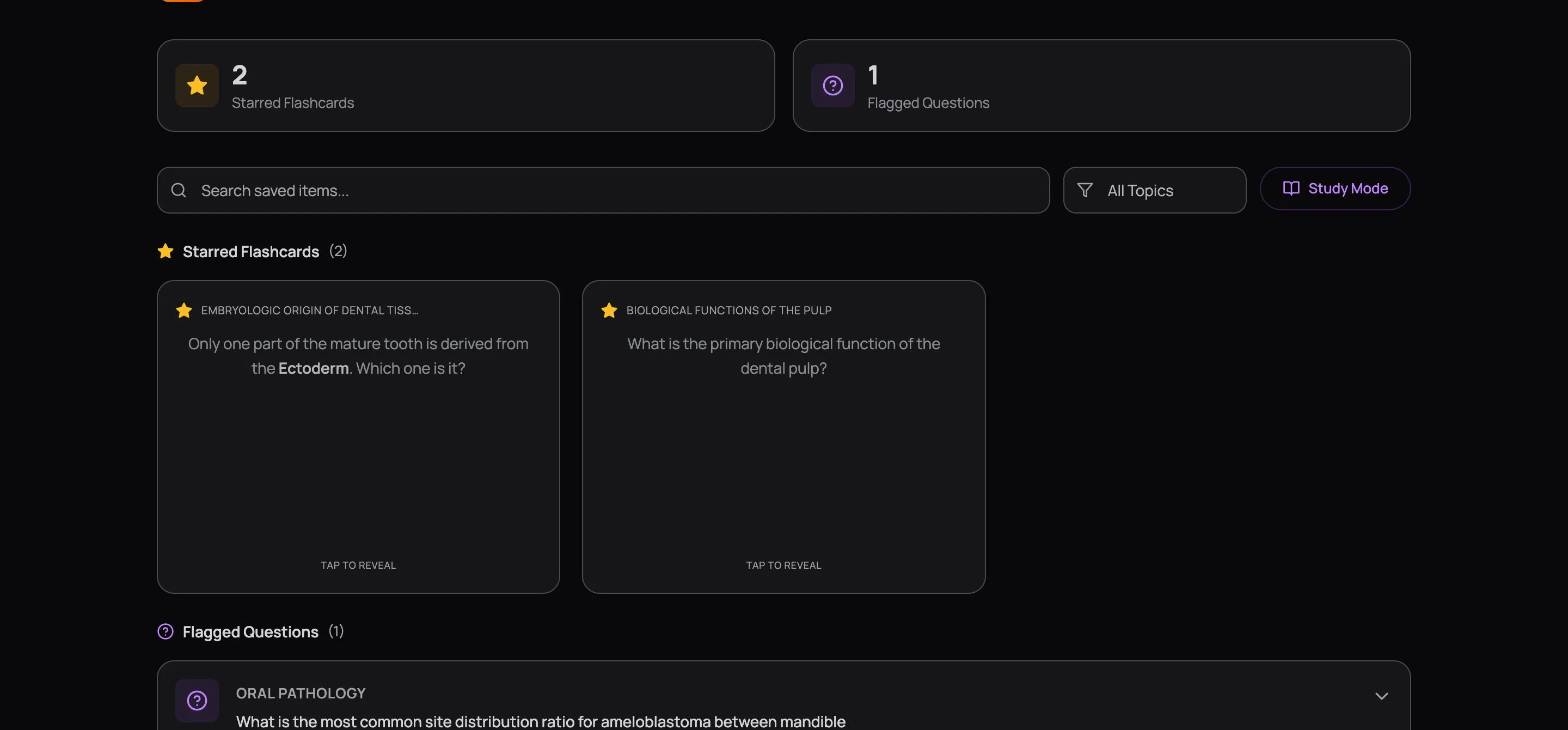
When you're in the Learning Centre and a flashcard catches you — you flip it, read the answer, and think I knew that last week, why can't I remember it now — star it. That card about Vertucci's root canal classification, the one listing which type is most common in mandibular premolars, the one you've missed twice already. Star it.
Starred cards land here, flippable front-and-back, curated by you. Five minutes flipping through them before a quiz primes your brain for exactly the topics that keep slipping.
Flagged Questions
During quiz review, you'll hit questions that tripped you up. Maybe you got it wrong and the explanation revealed a gap you didn't know existed. Maybe you got it right but only because you eliminated two options and guessed between the remaining two. Flag it.
Flagged questions save with full context — the question stem, all options, the correct answer, and the explanation. Everything you need to actually understand the concept, not just recognise the answer.
You flag questions from the review screen after completing a quiz — not during the quiz itself. During the quiz, focus on answering. During review, focus on identifying gaps.
Working Through Your Collection
Your bookmarks grow fast. After a few weeks of serious studying, you'll have dozens of saved items — and scrolling through all of them to find the Oral Pathology questions before a targeted quiz is a waste of time. Filter by topic to pull up only what's relevant. Search by keyword if you remember something specific ("ameloblastoma," "bisphosphonates," "Type III").
The stats at the top tell you whether you're keeping up. If your flagged question count keeps climbing while nothing gets removed, you're collecting questions, not learning from them. That's your cue to pause new quizzes and spend time in Study Mode.
Study Mode
Study Mode loads your flagged questions into a focused review flow.
Enter Study Mode
Hit the Study Mode button on the Bookmarks page. Your flagged questions load one at a time.
Work through each question
You see the full stem, all options, and the complete explanation. A question about drug interactions isn't testing whether you remember "C." It's testing whether you understand enzyme inhibition. Read the explanation even for questions you got right — that's where the distinction lives.
Remove what you've mastered
When you could explain this question to a classmate — not just pick the right answer, but walk them through why it's right and why the other options aren't — remove it. Keep your review set lean.
Come back weekly
The questions that survive multiple review sessions are the ones that need the most attention. They're also the ones most likely to show up on your exam in some form.
The System
Here's the loop that turns bookmarks into board exam points:
- Take a quiz — complete it fully, no peeking
- Review every wrong answer — read the explanation, understand the reasoning
- Flag what you can't explain — if you couldn't teach it to someone, you don't know it yet
- Study Mode weekly — cycle through flagged questions, sit with the explanations
- Remove honestly — if you'd hesitate explaining it to a classmate, it stays
- Repeat — your bookmark count should shrink over time, not grow
If your flagged list keeps growing without shrinking, you're collecting, not learning. The goal isn't a big bookmark library. The goal is an empty one.
A tight collection of 10 flagged questions that you review every week will do more for your score than 50 that sit untouched. When a concept clicks, clear it out. Make room for the next gap. Your bookmarks should feel like a to-do list that's getting shorter, not an archive that's getting bigger.
Next Up
Your Dashboard shows the patterns — which subjects are trending up, which are stalling. Bookmarks hold the specific questions behind those patterns. When Pharmacology is trending down on your dashboard, your flagged Pharmacology questions tell you exactly why.
Start there. Open Study Mode. Work through them. The patterns fix themselves when you fix the questions underneath.